
Adopting It on an Existing Codebase
The brownfield case, which is the one OpenSpec was built for. You specify only what you are about to change, and the specs fill in around the work you were doing anyway.
You do not document your whole codebase to start. You write specifications only for what you are about to change. That is the single most important thing to know about adopting OpenSpec on a system that already exists, and it is why the tool is built brownfield-first rather than green-field-first.
This page is how to start on day one without boiling the ocean.
6.1 The fear, and what actually happens
FIGURE A1 — "My app is 80,000 lines old. Must I spec all of it first?" No. And the reason is the delta grammar, not a promise about effort.
The fear in the upper lane is reasonable, and the outcome it predicts is real. Document every module, take three months, and arrive at a long document nobody reads, that nothing keeps true, and that goes stale within a release.
The lower lane is what the method actually asks for. Pick a change you were going to make this week anyway. Specify the slice that change touches. Build it, archive it, and stop. Your specifications now describe exactly that slice and nothing more — and that is correct rather than incomplete.
6.2 The thirty-second version
TERMINAL   $ cd your-existing-project
TERMINAL   $ openspec init

AI CHAT      /opsx:explore
AI CHAT      /opsx:propose <a real, small change you actually need>
AI CHAT      /opsx:apply
AI CHAT      /opsx:archive
Two terminal lines, then four chat commands, and you have stopped worrying about the other 79,000 lines.
6.3 Why delta-first is the whole trick
An OpenSpec change is written as a delta: ADDED, MODIFIED, REMOVED. A delta describes what is changing relative to current behaviour, not the entire system.
This is exactly what brownfield work needs. You are rarely building from nothing — you are adding a field, fixing a redirect, tightening a timeout. A delta lets you specify that one change precisely without first writing forty pages about everything around it.
So openspec/specs/ does not start full and complete. It starts nearly empty and accumulates. Each archived change merges its delta in.
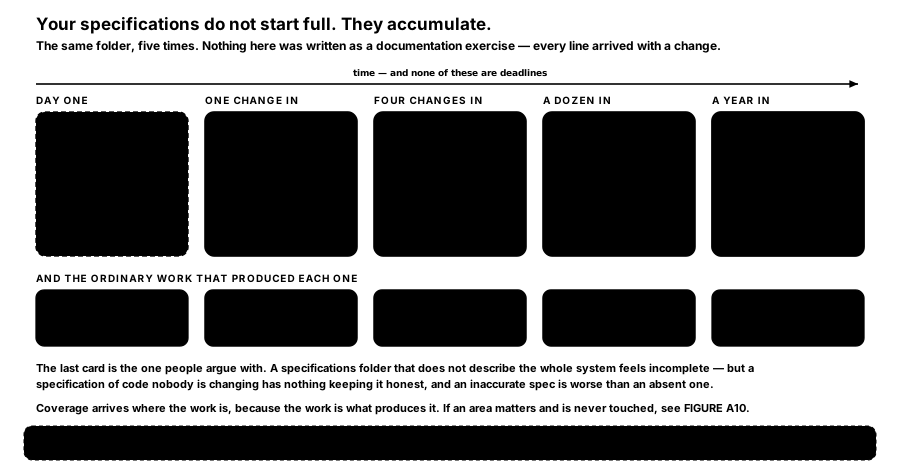
FIGURE A2 — Your specifications do not start full. They accumulate. The same folder, five times. Nothing here was written as a documentation exercise — every line arrived with a change.
The specification for your authentication area becomes thorough only after you have made several authentication changes, which is precisely when you want it thorough. Coverage arrives where the work is, because the work is what produces it.
6.4 Your first change on real code
Pick something small and real. Not a toy, not a rewrite. A change you were going to make this week anyway. Small first changes teach you the rhythm with low stakes.
Step one is the habit that matters most: let the agent read the area before it proposes anything.
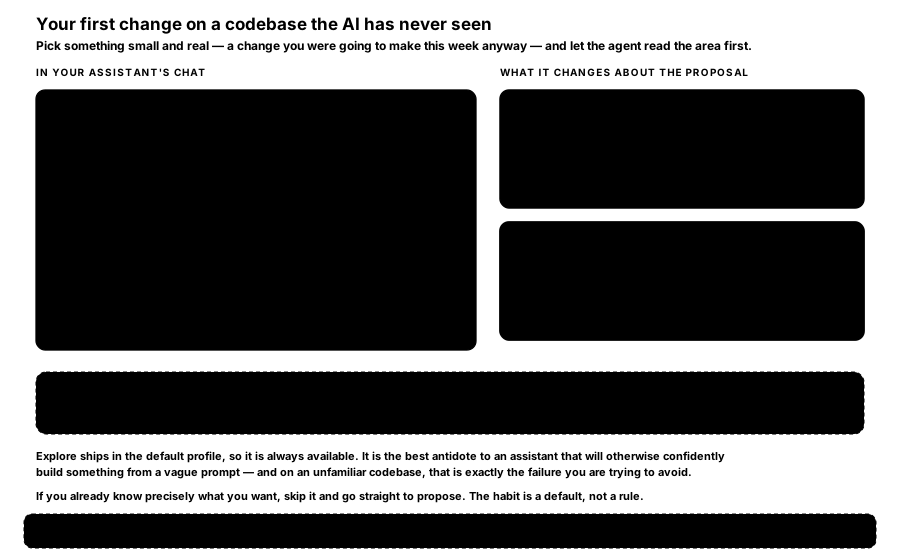
FIGURE A3 — Your first change on a codebase the AI has never seen. The transcript on the left is what /opsx:explore is for. The two cards on the right are the difference it makes.
The exchange in that figure is worth reading twice. The agent traces the request path, finds there is no rate-limiting layer today, and names the cleanest insertion point — before anything is proposed. What follows is a proposal shaped around your code rather than around a plausible generic application.
Without that step the agent has no idea what your middleware stack looks like, so it invents one. The proposal reads well, does not fit, and you spend the next hour correcting it. On a large or unfamiliar codebase this single habit saves the most pain of anything on this page.
Then the ordinary loop:
You: /opsx:propose add-api-rate-limiting
You: /opsx:apply
You: /opsx:archive
After archiving you have a real specification for your rate-limiting behaviour, born from a change you needed anyway.
6.5 The guided tour
If you would rather watch the whole loop happen on your own code with narration, /opsx:onboard does exactly that. It scans your codebase for a small, safe improvement and then walks you through proposing, building and archiving it, explaining each step.
What it looks for is specific: TODO, FIXME, HACK and XXX comments; catch blocks that swallow errors; functions with no tests; any types in TypeScript; stray console.log and debugger statements; input handlers with no validation. It also reads recent git activity. From that it offers three or four candidate starter tasks with a location and a scope estimate for each.
It has a soft scope guardrail: pick something too large and it will suggest slicing it smaller, offer an alternative, or do it anyway if you insist.
Turn the expanded commands on first:
openspec config profile      # select the expanded workflows
openspec update              # apply them to this project
Note —
/opsx:onboardis not in the default profile, so on a fresh install the command simply will not exist. That is the most common confusion when following this page.
6.6 "But we already have requirements documents"
Maybe you have a PRD, an SRS, a formal specification, even TLA+ models. Good. You do not import them wholesale, and you do not throw them away either.
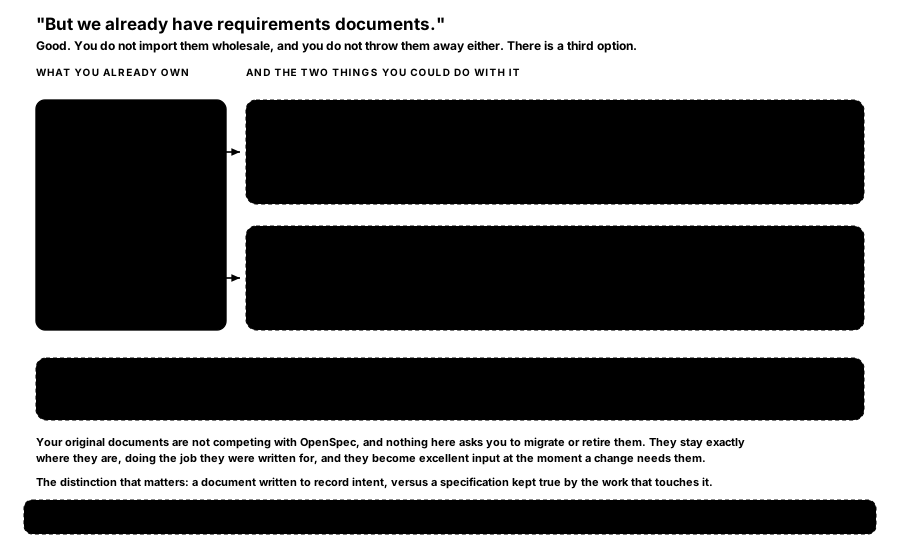
FIGURE A4 — "But we already have requirements documents." There is a third option, and it is neither converting them nor ignoring them.
Treat existing documents as source material for exploration, not as specifications to convert. When you start a change, paste or point the agent at the relevant section and let it shape a focused delta from it. Your original documents stay exactly where they are, doing the job they were written for.
You: /opsx:explore
You: Here's the section of our PRD about checkout. I'm implementing the
     "guest checkout" requirement next.
     [paste the relevant requirement]
AI:  [reads it, asks clarifying questions, then helps scope a change]
You: /opsx:propose add-guest-checkout
The honest reason for the third option: OpenSpec specifications are deliberately behaviour-first and scoped to changes. A forty-page PRD is a different artifact with a different job. Forcing a one-time bulk conversion tends to produce a large, stale specification nobody trusts — whereas letting specifications grow from real changes keeps them accurate.
6.7 Organising specs in a large codebase
Specifications live under openspec/specs/, grouped by domain — a logical area matching how your team already thinks about the system. You do not design the whole taxonomy up front.
Three shapes are common, and most real projects mix them: by feature area (auth/, payments/, search/), by component (api/, frontend/, workers/), or by bounded context (ordering/, fulfilment/, inventory/). Pick whatever makes a newcomer nod; you can refine it later, and renaming a domain is a RENAMED delta rather than a migration.
Create a domain folder when your first change in that area needs one, and not before. This is set out with examples in the greenfield page, and the rule is the same in both cases.
For a monorepo, one openspec/ at the repository root covers it: domains map onto your packages or services. Work that genuinely spans several repositories is what the beta stores feature is for — planning in a repo of its own that any code repo can reference.
6.8 Four honest cautions
- Resist back-filling everything. Writing specifications for code you are not changing feels productive and usually is not. Those specifications go stale, because nothing forces them to track reality. The one genuine exception is in closing the gap.
- Keep early changes small. Your first few changes are as much about learning the rhythm as shipping. A tight scope makes the loop fast and the lessons cheap.
- Commit
openspec/to git. Your specifications and your archive belong in version control alongside the code they describe. - Give the agent context. On a large codebase with strong conventions, fill in
openspec/config.yaml'scontext:so every proposal respects your stack and patterns. This matters even more on a new project, and is covered in the greenfield page.
Avoid: adopting OpenSpec across every team on the same day. One repository, one person, one real change is enough to find out whether the rhythm suits you — and it is a week of work to abandon if it does not.
How is this guide?
Last updated on
Skills, Slash Commands and 36 Tools
How one set of instructions reaches whichever AI assistant each person already uses — the twelve skills, the two delivery mechanisms, and the four spellings.
Starting a New Project With It
The greenfield case. There is no existing code to catch a wrong assumption, so the two guard rails carry more weight than they do anywhere else.