
Building It by Prompt
The actual prompts used to find nodes, assemble the workflow, validate it, deploy it inactive, and change it later — plus the prescribed build order.
The workflow is not hand-assembled node by node in the n8n editor. It is described in plain language to Claude, which looks up the real nodes, builds it, and checks it. This page shows the actual prompts, because "AI-native" should be something you can inspect rather than take on trust.
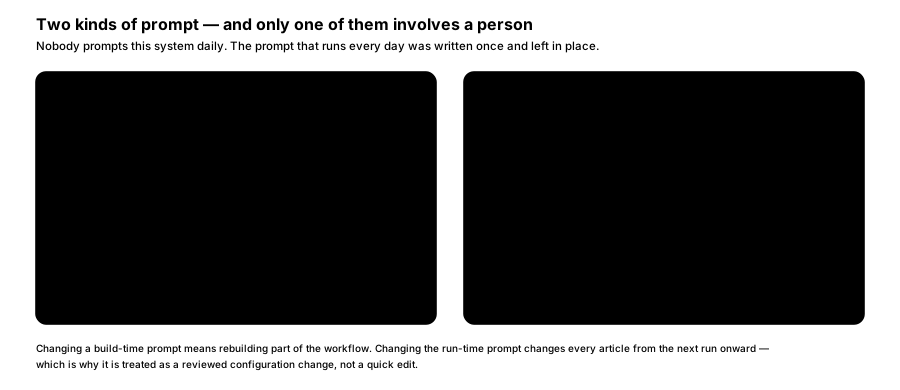
FIGURE 11 — Two kinds of prompt.
Note the distinction above before reading further: the prompts on this page are typed by a person, once, while building. The writer's instructions are different — they live inside the workflow and run unattended on every execution. Nobody prompts this system daily.
The eight prompts below are P2 to P9. The prompt map puts them alongside P1 — the one that runs inside the workflow — in a single view.
Creating the workflow
P2 · 1 — Find the right nodes. Not recall them.
Using n8n-mcp, find the nodes for a scheduled workflow that reads
several RSS feeds, fetches one page that has no feed, merges the
results, drops anything seen in an earlier run, drafts an article with
an AI agent, and creates that article in WordPress as a draft.

Show me the node types you chose and why.
Comes back: real node types retrieved from the node library, with the reasoning visible so you can challenge a choice before anything is built on it.
P3 · 2 — Read the schemas, then assemble.
Read the full schema for each of those nodes, then build the workflow.

Requirements:
- runs daily at 06:00
- de-duplicates on canonical URL
- the agent returns headline, body and tags as separate fields
- the WordPress node creates the post with status: draft

Do not deploy it yet.
Comes back: a complete workflow built against the real parameter shapes — this is the step that a general-purpose assistant gets wrong. The Workflow Artifact shows what that output looks like: the canvas layout and the JSON behind it.
P4 · 3 — Validate and fix.
Validate the workflow and fix everything it reports.
Show me the validation output before and after.
Comes back: the errors found and what changed. Seeing both is the point; a silent "fixed it" is not reviewable.
Executing it
P5 · 4 — Deploy, inactive.
Create this workflow on our n8n instance. Leave it inactive — I want to
see a test run before it goes anywhere near a schedule.
Comes back: the workflow on your instance, switched off. This is the first moment anything touches your systems.
P6 · 5 — Run it once, for real.
Run the workflow once now and show me:
- which sources it read, and how many items each returned
- the full draft it produced, including headline and tags
- anything it logged as a warning

Do not activate the schedule.
Comes back: a real WordPress draft you can read, plus the execution detail behind it. Only after this looks right does the schedule get switched on.
Operating it afterwards
The same conversational interface handles day-two work. Each of these still goes through validation before any change is deployed:
P7 — Add a new source.
Add [new source site] as a source. Use its RSS feed if it has one,
otherwise fetch the page. Validate before deploying.
P8 — Diagnose a failed run.
Last night's run produced no draft. Show me the execution and tell me
what actually failed.
P9 — Change the target length. This one edits the writer's instructions themselves.
The drafts are running long. Change the target length to 700 words,
re-validate, and deploy.
Avoid: prompting changes directly against the live production workflow. n8n-mcp's own documentation is blunt about this — work on a copy, validate, then deploy. AI output is not always predictable, and a production workflow is not the place to discover that.
Assumption — these prompts assume whoever operates the pipeline has Claude Code with n8n-mcp and n8n-skills configured, and an n8n API key. If day-two changes will instead come back to the original build team as requests, that is equally workable and this page becomes background rather than instruction.
Validate before deploying
Prescribed build order. The workflow is assembled and proven correct before it is allowed near your systems.
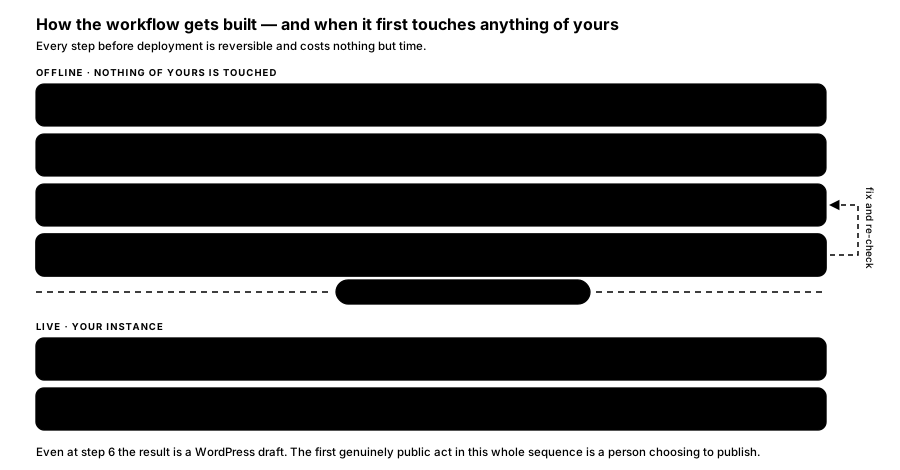
FIGURE 10 — How the workflow gets built.
Steps 1 to 4 happen entirely against the offline reference database. Nothing of yours is touched, and any error costs nothing but time to fix. Only at step 5 does the workflow reach your n8n instance, and it arrives inactive — it does not begin running on a schedule until switched on deliberately. Step 6 runs it once so you can read a real draft before anything is scheduled.
Validation passing is necessary, not sufficient: it proves the workflow is structurally correct, not that the articles are good. That is what step 6 and the first week of review are for.
How is this guide?
Last updated on
The Pipeline, Prescribed
The prescribed design — decisions to lock before building, then the three automated stages: watch the sources, draft the article, file it as a draft for approval.
The Prompt Map
Every prompt in this pipeline in one view — the eight a person types while building and operating it, and the one that runs unattended inside the workflow.